











E-Bike Turns On but the Motor Does Not Work: What to Check
by wangziru on Sep 30, 2026

If your e-bike display lights up but the motor provides no assistance, the motor itself may not be the problem. Assistance settings, brake cut-off signals and battery connections can all affect power delivery. Start with the bike’s normal controls and a few external checks, then use what you observe to decide whether to contact support. This can help you avoid replacing parts before the cause is known.
Is There No Motor Assistance, or Is Only One Mode Affected?
“Motor not working” can describe several different symptoms. Identifying what the bike actually does will help you choose the right checks.
|
What you notice |
What to consider first |
|
The display works, but none of the bike’s supported drive modes responds |
Assistance settings, brake lever position, battery fit and visible connections |
|
Pedal assistance does not work, but the bike’s existing throttle mode still responds |
The issue may involve how pedal assistance is triggered; it does not establish a motor failure |
|
Assistance starts normally, then repeatedly cuts out while riding |
An intermittent loss of power; record when and how it happens |
|
Assistance stops only near the configured cut-off speed |
Check the normal assistance range for your model |
|
The motor makes a noise, but the bike receives no corresponding drive |
Record the sound and symptoms, stop repeated attempts and arrange an inspection |
Use symptoms you have already noticed. There is no need to force a test using the throttle, walk assistance or a raised wheel. Which modes your bike supports, and how they should be used, depend on the model.
If assistance stops only near the configured speed limit, first establish whether the bike is working as intended. Our guide to e-bike speed limits and loss of assistance explains the distinction. Changing speed settings is not a way to diagnose an unknown fault.
Check the Assistance Setting and Normal Start-Up Procedure
Look at the mode currently selected on the display. A working screen does not necessarily mean assistance is switched on. Some bikes can display speed and battery level while motor assistance is off.
For example, the I7 Pro 3.0 user manual provided by VITILAN EU describes level 0 as a mode without motor assistance. Switching the bike on and selecting assistance are two separate steps. Controls and settings vary, so follow the instructions for your own model.
Check that:
- You have selected a mode that provides assistance;
- You have followed the normal start-up procedure;
- You are expecting assistance under conditions in which your model should provide it;
- No settings or electrical components have recently been changed.
Keep these checks to the bike’s everyday controls. Do not change wheel size, voltage or controller settings, or copy hidden-menu settings from an online video in an attempt to restore power. Such changes can make the original problem harder to identify.
Do the Brake Levers Return Normally?
On bikes equipped with a brake cut-off system, the brake signal affects motor operation. A lever that does not return properly, or a problem with the associated signal, may prevent the bike from providing assistance.
Check whether a bag, accessory or another object is obstructing a lever, and whether it returns to its normal position when released. If the problem began after a fall or transport, look for visible damage or a bent lever. Photograph any brake-related symbol or warning shown on the display.
These observations are clues, not proof that the brake sensor is faulty. If a lever does not return normally or the brakes themselves are not working properly, have them inspected.
Do not unplug brake sensors, bridge wires or bypass the cut-off function to test the bike. Restoring motor assistance should not come at the expense of a working safety feature.
Did the Problem Begin After Removing the Battery, Folding the Bike or Having It Repaired?
Think about what happened since the bike last worked normally. Was the battery removed for charging? Was the bike folded and loaded into a car? Has a wheel been repaired or the display replaced?
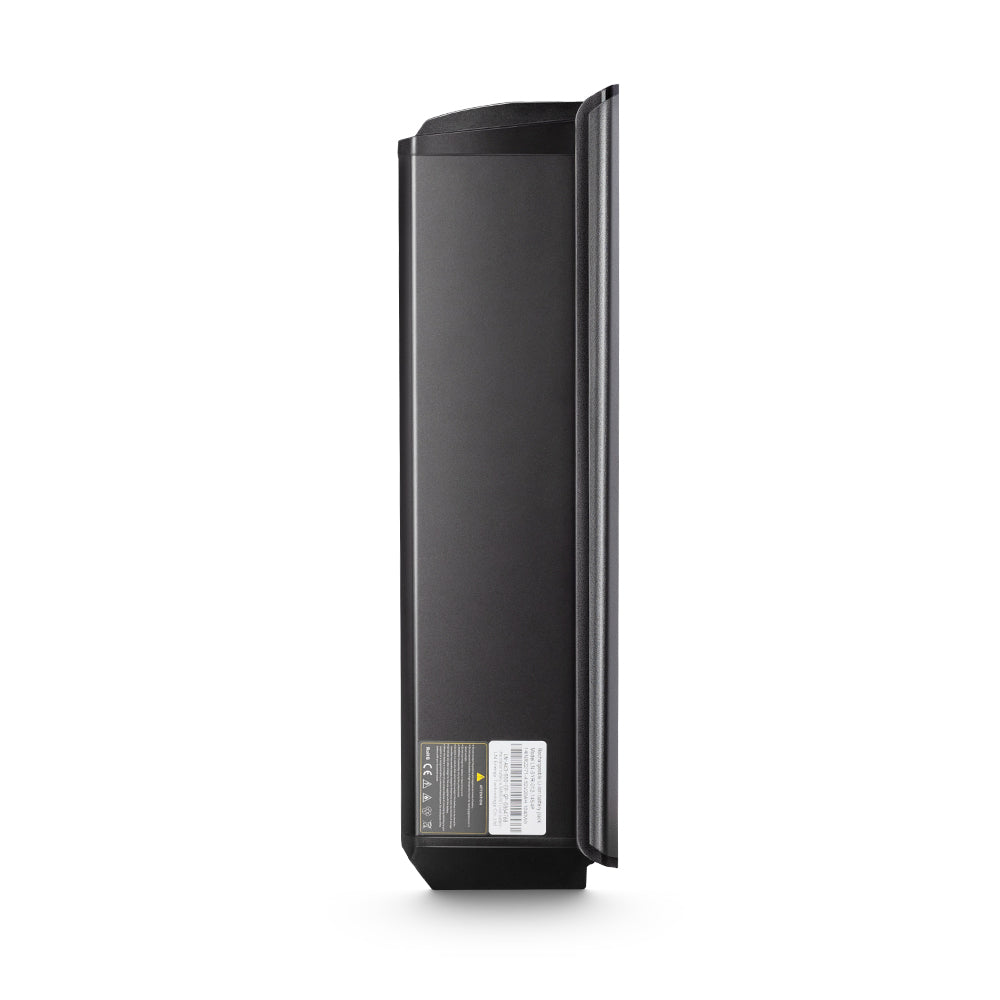
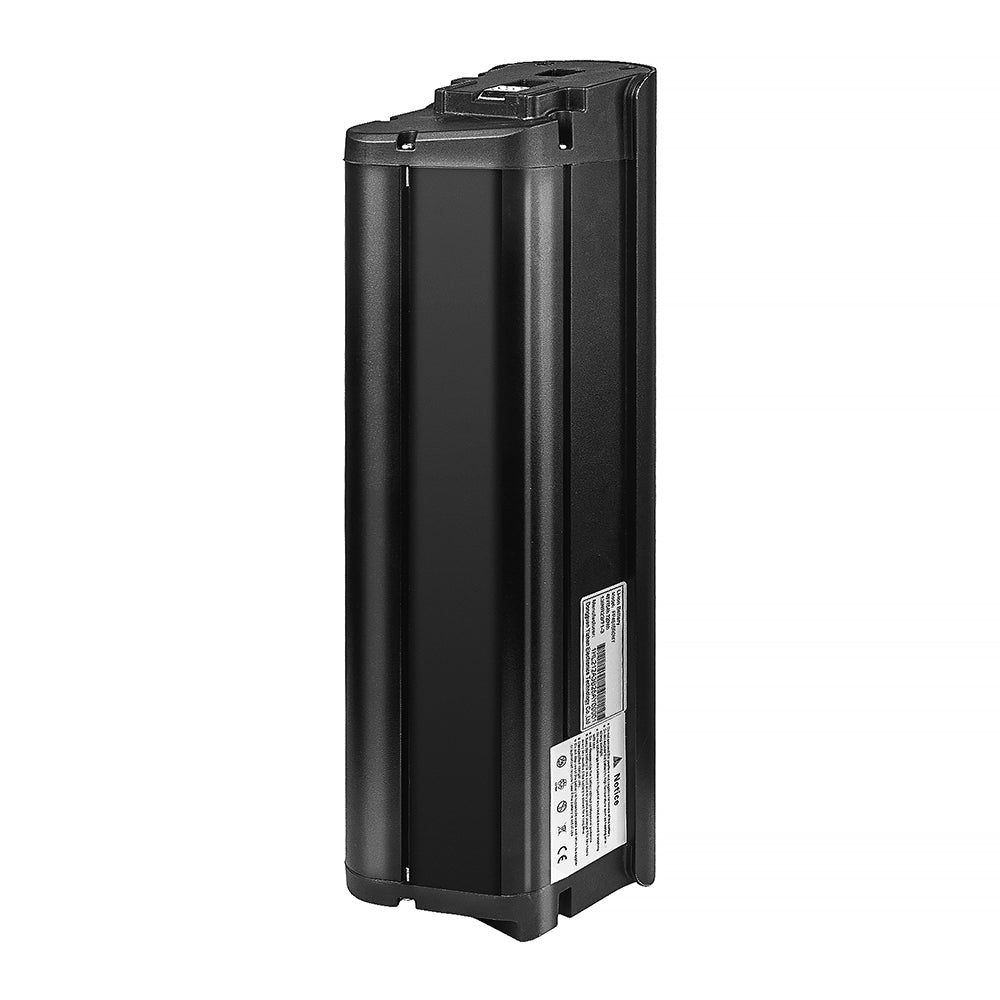
Switch the bike off and disconnect the charger before checking it. If your model has a removable battery, follow its instructions to confirm that the battery is seated and locked correctly. Do not force it into position or alter the contacts.
Look at the visible cables, particularly around folding points and areas recently worked on. Check for trapped, stretched, worn or damaged wiring. If you see clear damage, stop trying to activate the motor.
Battery connections and drive-system wiring can both be involved when a bike switches on but provides no assistance. An external inspection cannot identify every fault. Do not disconnect and reconnect plugs one by one, or open the controller, battery or motor casing.
If the battery is also failing to charge normally, address that issue as well. Our e-bike battery not charging guide covers safe external checks. A working display is not a reason to skip the battery and power-supply checks.
Record Any Error Message and Know When to Stop
If an error code appears, photograph the complete code, any accompanying symbol and the display as it looks at the time. Then consult the instructions for that bike and display version. Codes vary between systems, so an explanation for another brand may not apply.
An error message helps guide the investigation; it does not tell you which part to buy. Even a motor-related message does not necessarily mean the entire motor needs replacing.
Contact support or a qualified repair professional if normal operating checks do not restore assistance, or if you notice:
- Unusual motor noise or a wheel that is clearly binding;
- Damaged or scorched cables or connectors;
- Unusual heat or smell;
- A damaged, swollen or leaking battery;
- Repeated loss of assistance.
Have your bike model and version, display model, the date the problem began and photographs of any error messages ready. Mention recent battery removal, folding, transport, rain exposure, repairs or replacement parts. Describe whether the bike responds when you pedal and whether you can hear any sound from the motor.
These details can help support decide what to check next. VITILAN owners can include this information when contacting the brand’s support team, rather than buying a motor, controller or display to test a guess.
FAQ
Can there be a fault even if no error code appears?
Yes. Not every problem produces a clear error message. The absence of a code neither confirms that the drive system is working properly nor proves that the motor has failed. Tell support when assistance is missing and whether you notice any sound or change on the display.
Should I keep restarting the bike to try to restore assistance?
Avoid repeated attempts. If a restart is appropriate, follow the normal procedure in your model’s instructions. If assistance returns but the same problem happens again, record the circumstances and contact support. Repeated restarts do not identify the cause and should not become a routine workaround.
Do working lights and a working display prove that the battery supply is normal?
No. They show that those components are receiving power, but they do not establish that the battery and its connections can supply the motor normally. Working lights and a screen are therefore not enough to rule out a battery connection or power-delivery problem.
Can I pedal the bike home without assistance before having it repaired?
That depends on the model and the bike’s condition. Check whether unassisted riding is permitted and whether the brakes, wheels and handling are normal. Do not continue riding if there is unusual resistance, damaged wiring, heat or smell. If the cause is unclear or the route is unsuitable for unassisted riding, arrange collection or transport.


